Several months ago I ordered a FLIR One for Android, a small attachment which adds infrared thermal vision capabilities to most Android smartphones and tablets. After the backlog of pre-orders finally cleared out, I got my hands on mine today!
FLIR, of course, has been around in the military and industrial arenas for many years making things like heat sensors used by engineers, thermal rifle scopes, thermal sensors on heat-seeking missles so on. They’ve had a few previous consumer products, including a somewhat less capable version for the iPhone 5S only, but this is an improved and mass-marketed upgrade which looks like a ton of fun.
The FLIR isn’t the only game in town even as far as thermal Android smartphone attachments go, but it’s the only one to feature MSX technology which overlays a wireframe of the visible light image on top of the thermal image, giving it more context. It’s not just blurry heat blobs, which makes it way more useful.
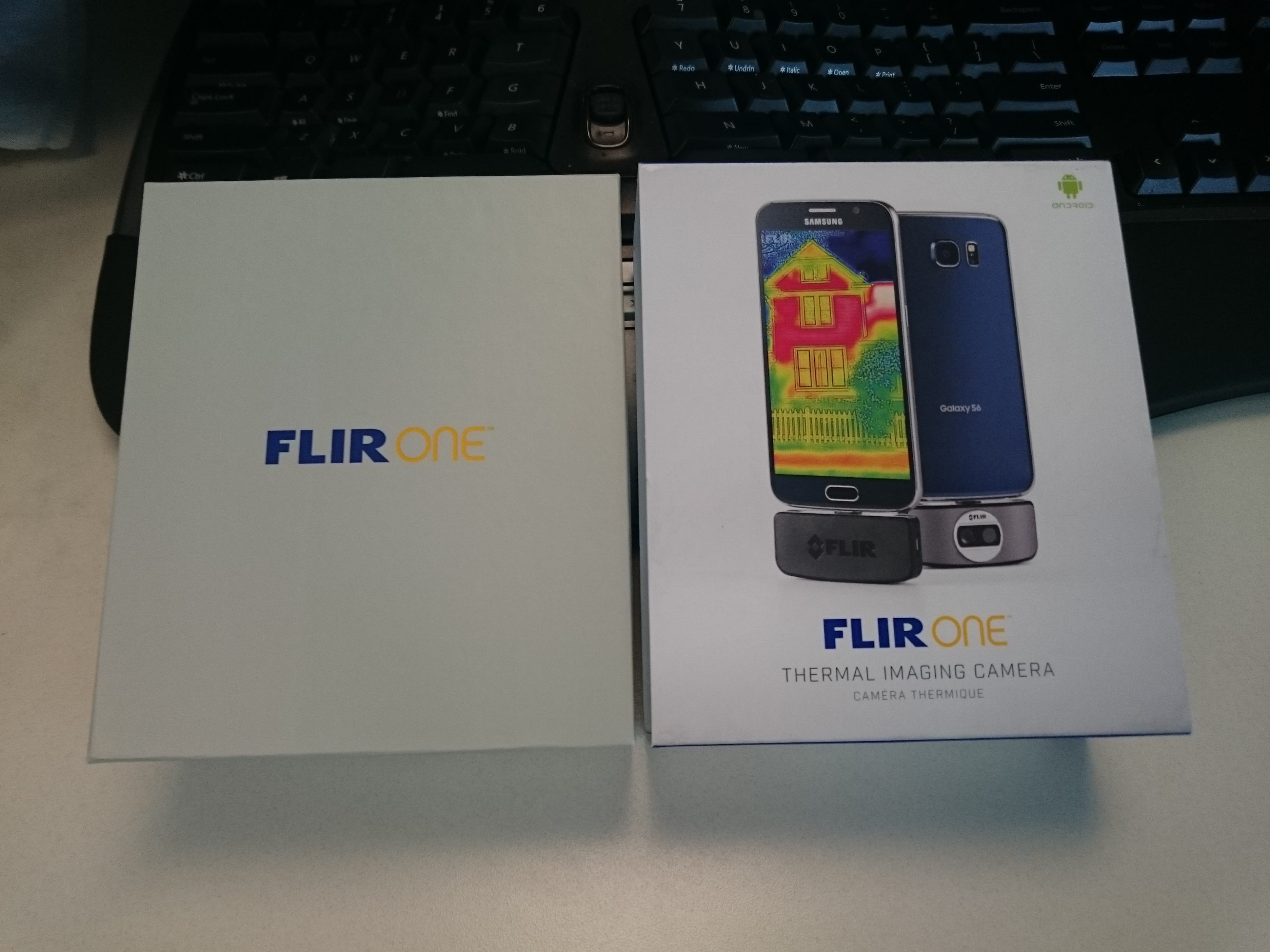
Let’s unbox it!
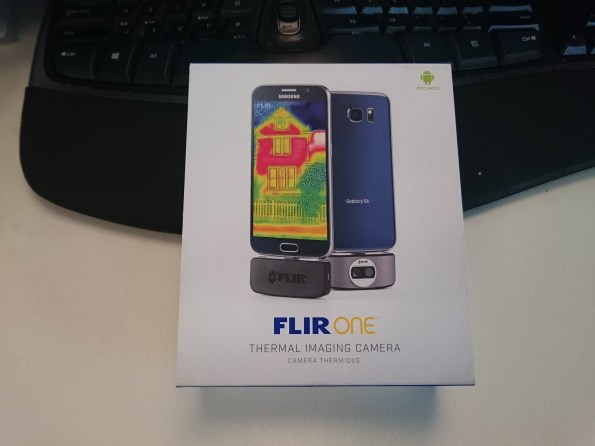
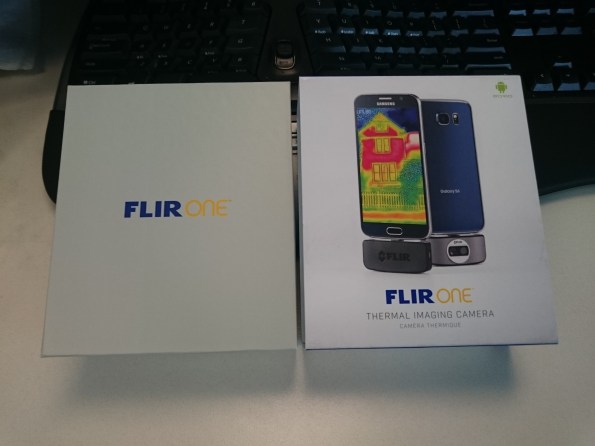
I was surprised by the clean and easy to access packaging.
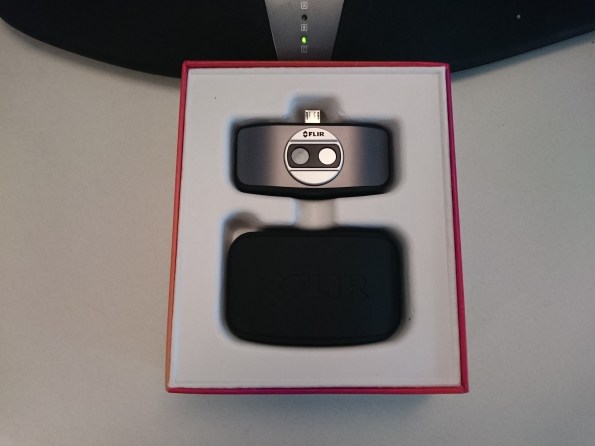
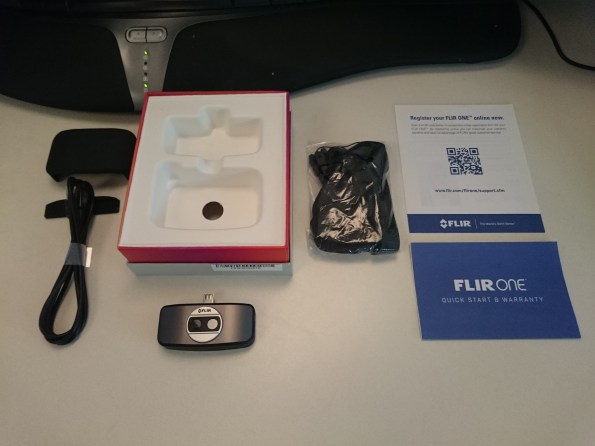
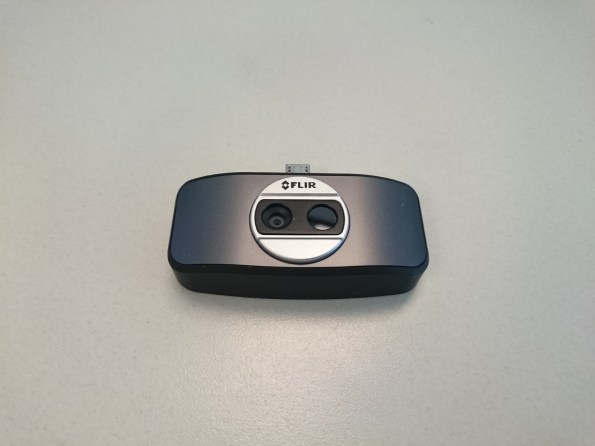
That’s it! The unit plugs into your phone’s micro-USB port for its data connection, but it’s actually powered exclusively through an internal battery, charged by the FLIR One’s own micro-USB port on the side which has a reported runtime of about 45 minutes. The battery status is available in the companion app, and it can charge from the external charging power while also in use.
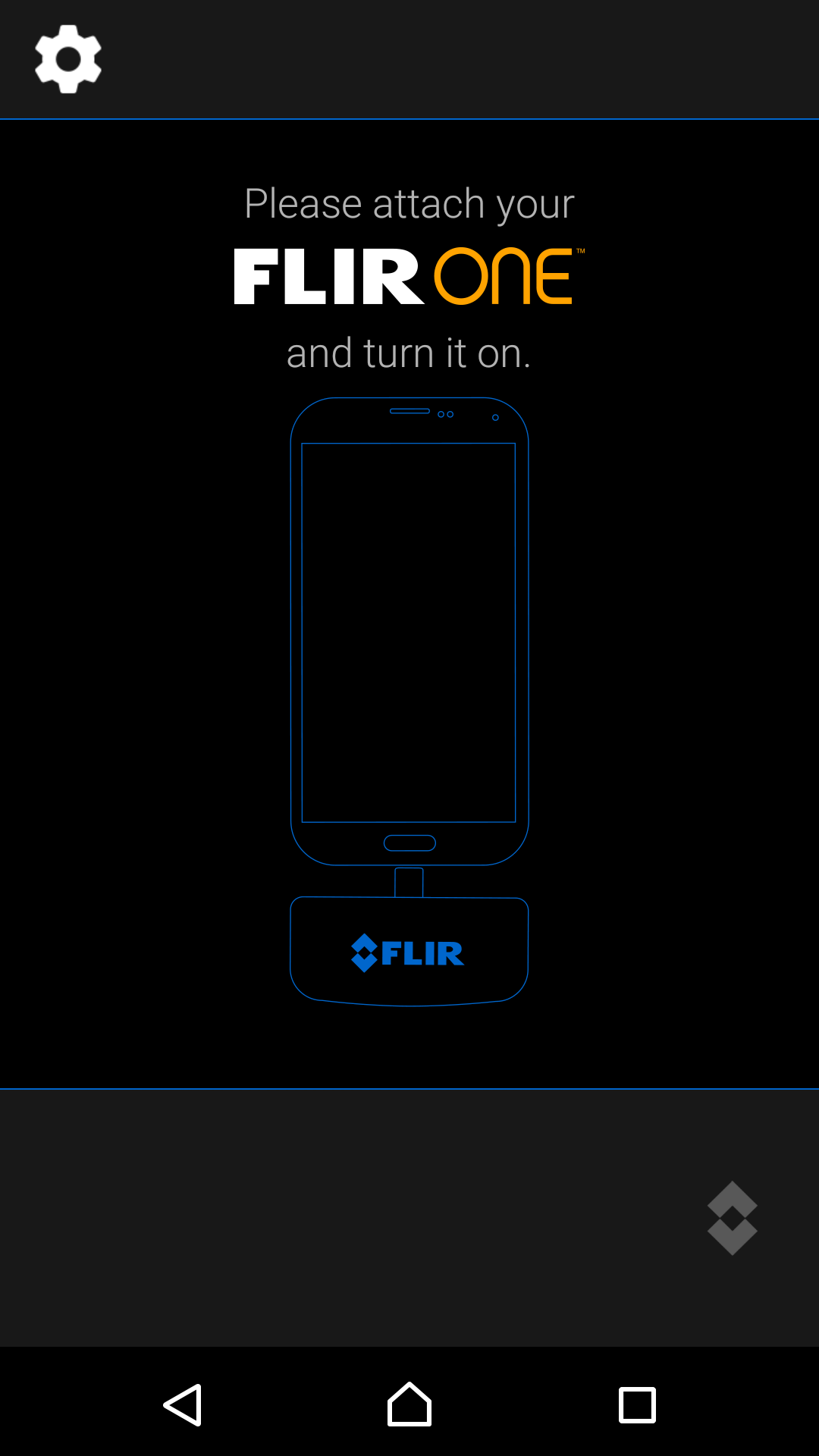
The companion FLIR One app is installed from the Google Play Store. It’s a little quirky on my phone, but nothing too bad. It’s important in my experience to have the sensor plugged in and turned on prior to launching the app, or you need to close and re-launch, even though the app does seem to imply that it can be hot-plugged. Maybe on certain phone models it can, but not my Xperia Z3.
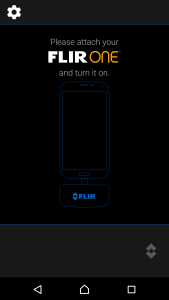
This add-on is clearly designed for phones with the USB port on the bottom center as there is no software provision for rotating it’s orientation. On my phone, with the USB port on the side, this is a bit annoying but a short extension cable would fix that. The app is fairly no-frills, and could definitely use some polishing compared with the very sleek physical product that it drives.
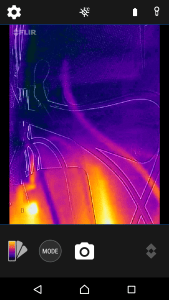
Sadly, the phone’s hard shutter button doesn’t cause the FLIR One app to take a photo, you have to use the on-screen button. In addition, most of the controls are un-labeled – and there’s no “Help” menu, or manual included in the package.
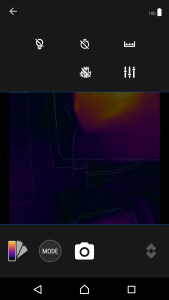
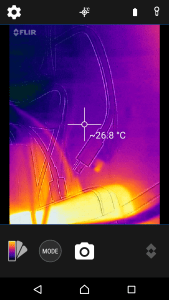
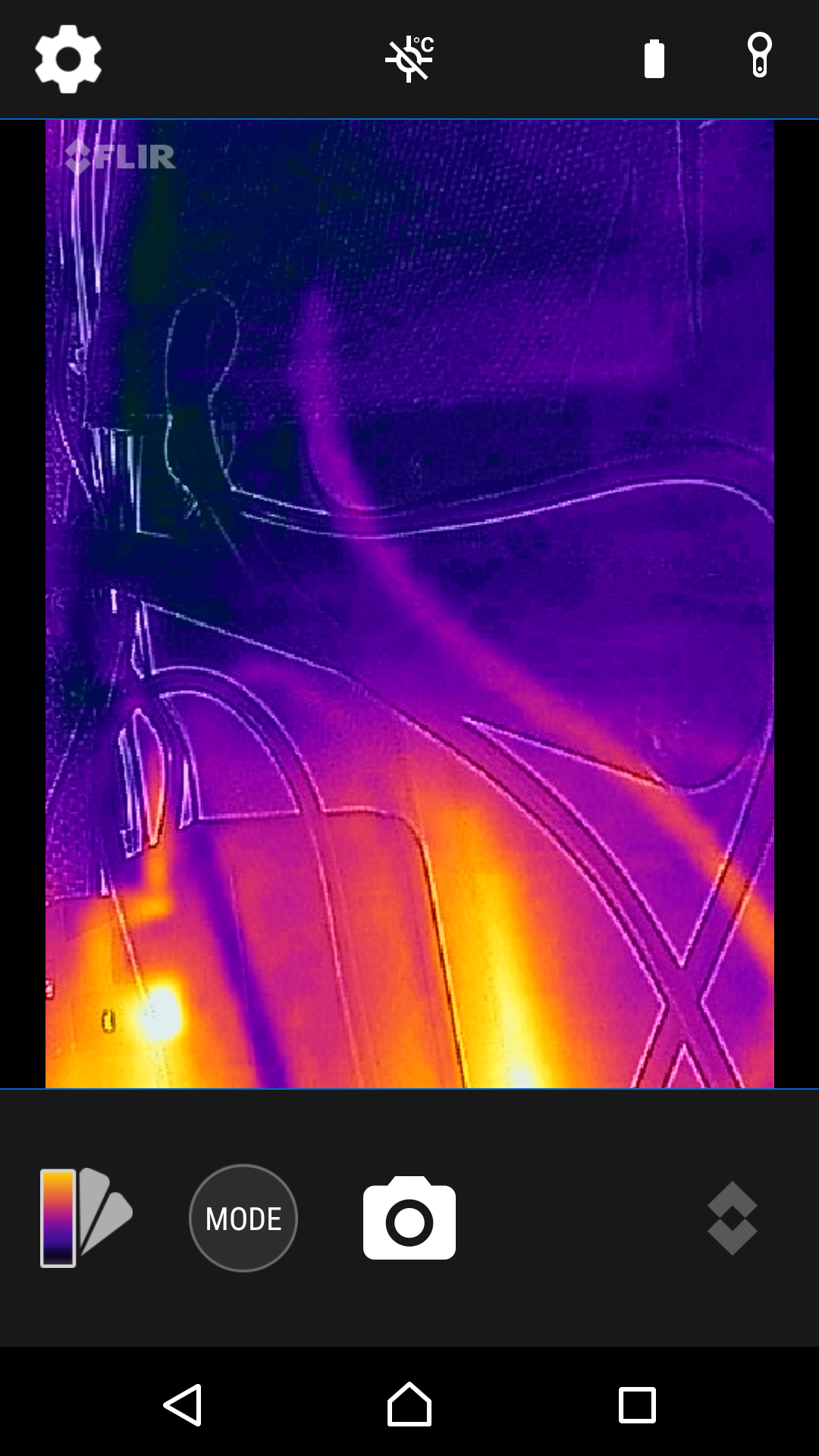
Because the sensor combines a visible-light image with the infrared image, there’s an option to turn the light on (top row left) which crashes the app. There’s also 3 and 10-second self timers, a setting I’m not sure of on the top row far right, a macro setting of some kind on the bottom row, and the settings slider. Selecting the Macro button brings up a slider to adjust the camera parallax, but I don’t see anything actually change while moving it.
You can also turn on the temperature display. It’s fixed to display the temperature of the center point of the image.
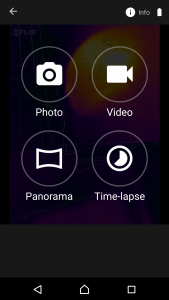
There’s a few other modes, including thermal video, panorama, and time-lapse.
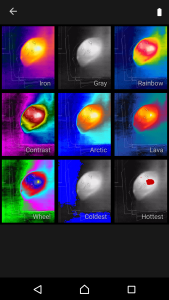
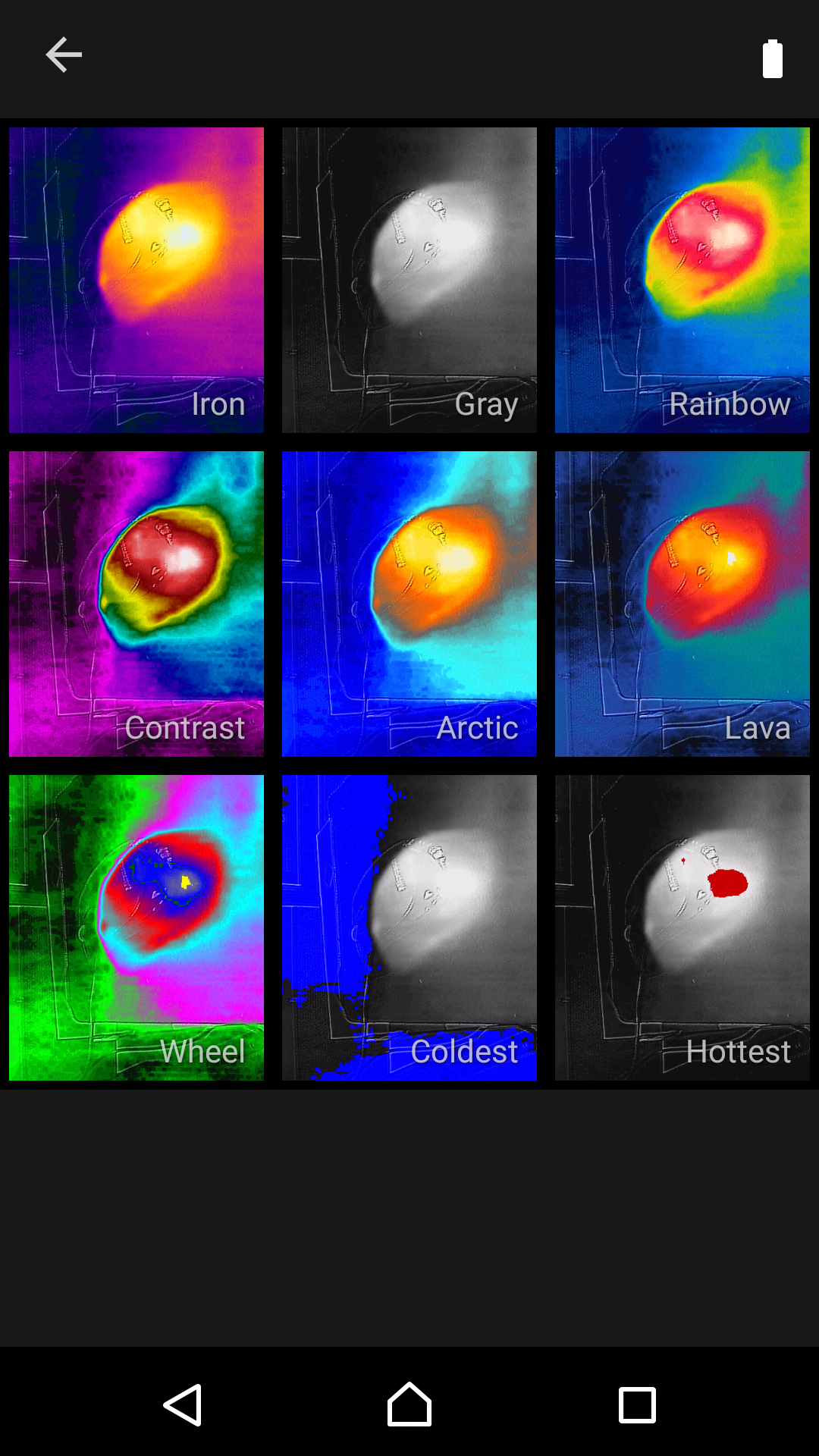
And a number of different color pallets and color weights to help visualize what you’re seeing. One complaint from Internet users is that, while you can pick from a number of emissivity pre-sets (Matte, Semi-Matte, Semi-Gloss or Gloss) there’s no option to enter a defined emissivity, if you happen to know it for the material you’re measuring.
Lack of emissivity settings isn’t a problem for me, though, as I’m primarily going to use this to measure heat dissipation in stereo receivers and radios to ensure correct operation.
My impression is that the software feels pretty clunky, which in my experience is common when hardware companies have to write actual software. Most of the companion PC apps for lab test equipment that I have are awful to use, too, so I’m going to chalk this up to early-adopter pains, but I expect as more of these get out to consumer’s hands the app will evolve to be more user-friendly.
Even with clunky software, though, this is a really fun toy to play with and it’s going to be a very useful tool once I take it up to the shop. In addition to my use, checking electronics for faults, it would be great for checking for insulation and leaks in your home or car, seeing what that noise was in the backyard, or any number of other things that rely on heat more than light.
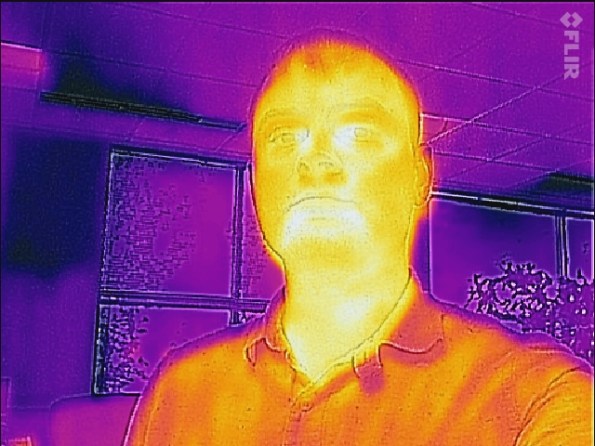
I also took some photos of my workbench.
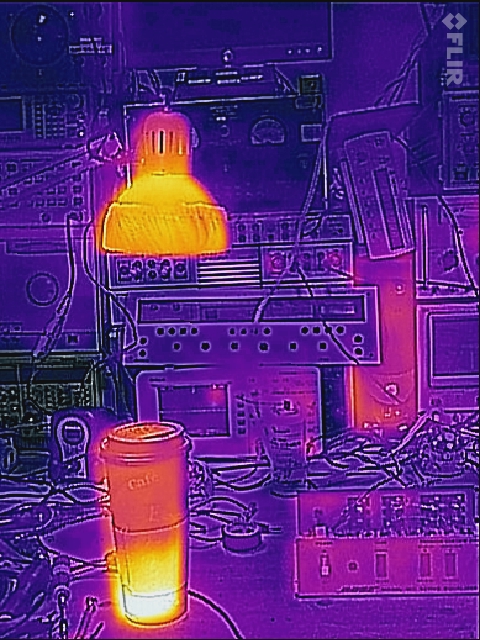
I need to add my isolation transformer to a switch! I’ve never noticed that it’s idle current generates some noticeable heat. It’s only slightly warm on the touch but it lights up on infrared.
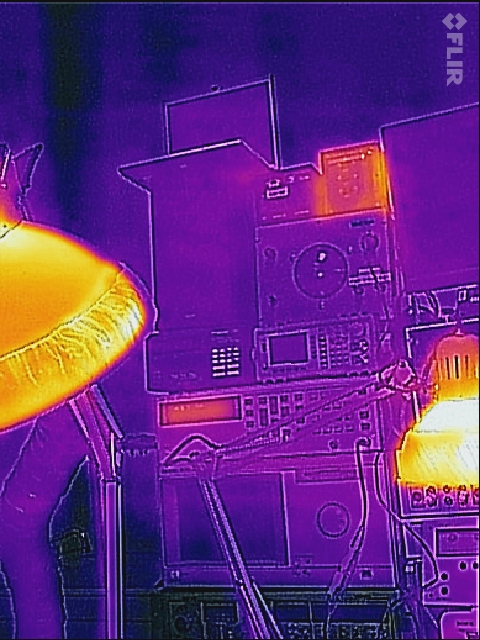
Laptop and cell phones:
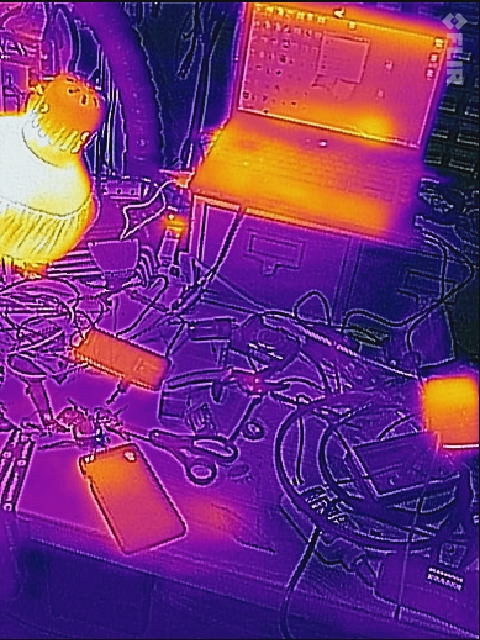
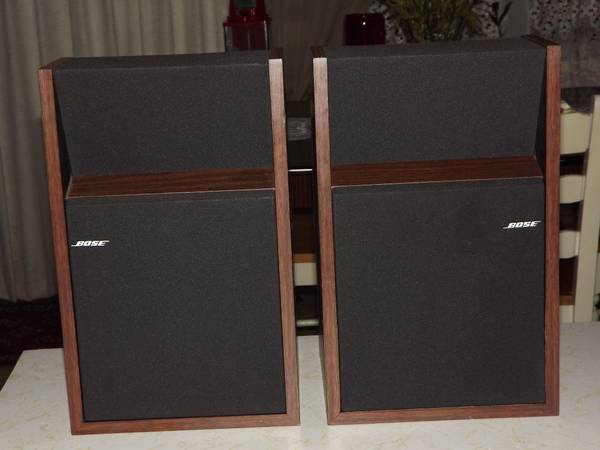
What gets hot in a Bose equalizer?
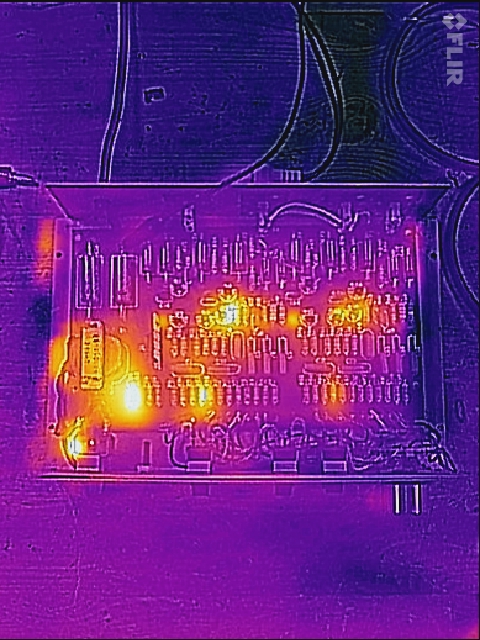
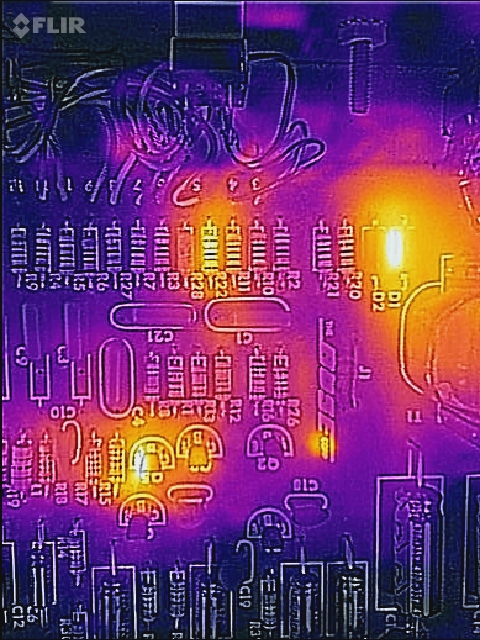
Interestingly, one of the rectifier diodes is dissipating heat but the other is totally cool.
All in all, a good buy! Available from Amazon for $249.









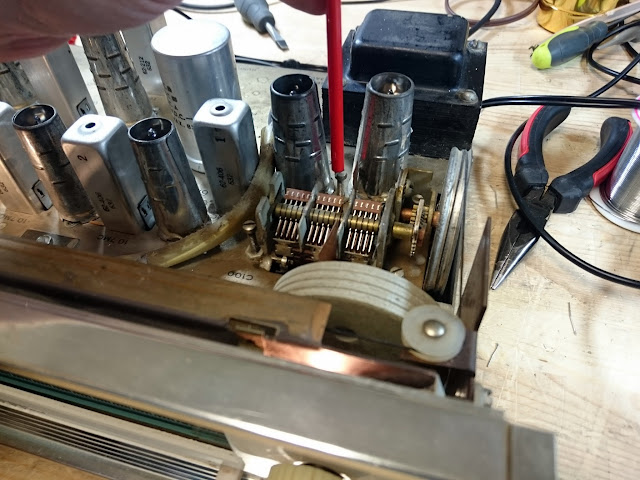
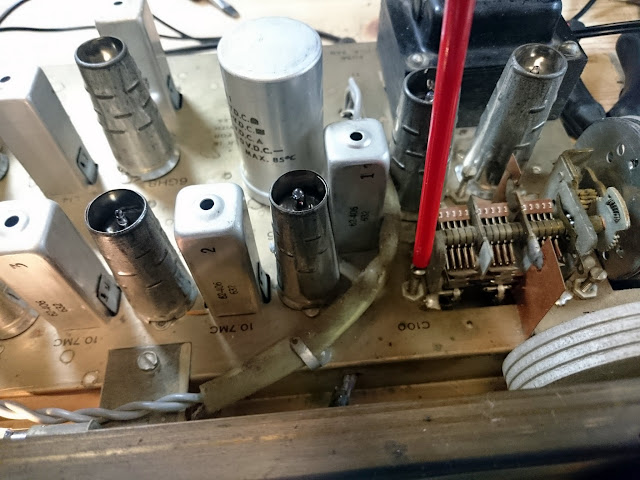
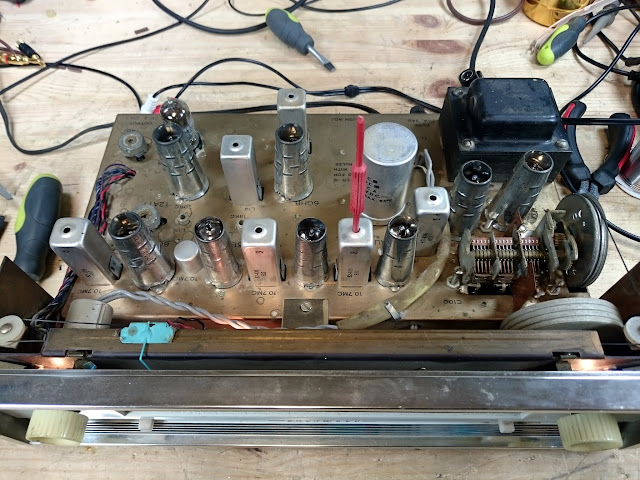
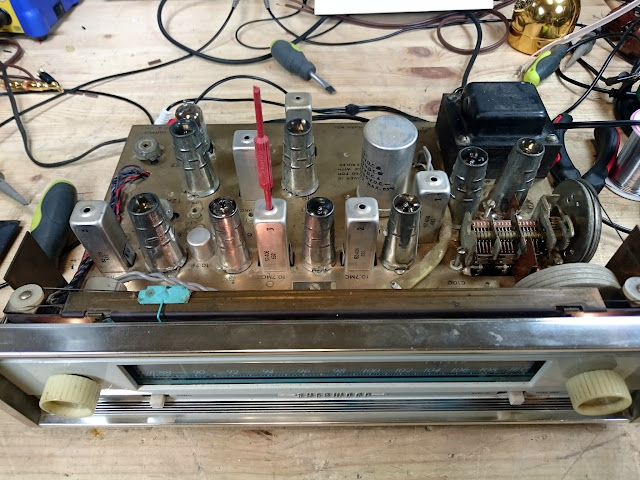



Mailbag: What’s the best multitester for vintage radios?
I recently got this question in the mailbag, and it seemed like a good one to answer:
That’s actually a tougher question than it seems. The short answer? Well…it depends a bit, but most multitesters (not to be confused with multimeters, which are very useful) aren’t that useful for vintage radio work. They’re not a bad thing to have, but most of their functionality is lost on a vintage radio.
To re-cap, a multitester is a neat little microcontroller instrument which can do quick analysis of 2- and 3-terminal devices. It’s useful for checking capacitor value and ESR, quickly checking transistors and FETs, checking diode voltage drop and capacitance, measuring DCR and inductance of coils, and low-ohms resistance measurements. Powered by a 9V battery and a microcontroller, these devices take a lot of the guesswork out of quick go/no-go checks for a variety of types of electrical components. The most common model is the MK-168, available from a ton of different vendors primarily on eBay for $20-50.
The trouble with these devices for vintage radio repair is that you won’t end up using them all that often. Resistance measurements for vintage radio can easily be handled by most multimeters, like those in my Basic Tools round-up. Transistors started turning up at the very, very end of the tube radio era and you’re unlikely to encounter one of those hybrids and multi-testers can’t do anything for a tube beyond what a regular multimeter can. While DCR and inductance of coils is occasionally something to consider, more often than not you’ll have a good coil or an open coil and not a lot of in-between. And with vintage radios (and even most stereo gear through the ’80s) it’s just not worth it to test individual components before replacing; you’re better off just replacing all the parts subject to failure at once regardless of what they might measure. Not to mention, with a 9V battery supplying the power, you’re going to be far below the hundreds of volts found in most vintage devices.
That said, if you want the vintage equivalent of a multi-tester for a vintage radio, you do have a few options.
First would be a signal tracer. Signal tracers are fairly straightforward devices with a probe, detector, amplifier, and speaker. By injecting a tone at the antenna terminals of your radio under test and moving the probe through the signal path, you can find where it disappears. The probe can detect an AM RF or IF envelope and turn it into audio or amplify a small audio signal to find out which stage of the radio fails to pass a signal. These fell out of fashion after about the 1960s, but you can still find them on eBay. They were typically made by bench service companies like Conar, EICO, Heathkit, Knight, PACO, Superior Instruments, and others. They’re all pretty much the same – although being old gear, if you buy one you’ll want to make sure it’s in good working order (or you refurbish it) and the probes, if any, are provided. You should pay less than $100 for a fully working model. You’ll need a signal generator to go along with the tracer, of course.
Secondly, if you have a bit bigger of a budget or like rare test equipment, you might consider an RCA-Rider Chanalyst.
These are pretty rare and hard to find, but they’re unprecedented if you need a full functioned signal tracer and generator. These offer RF and IF generators, an oscillator injector, a power meter, and audio output (and you can even hook the various stages together and use one as it’s own radio if you wanted!) Sadly, though, these are rare and expensive and aren’t any better than a signal generator+signal tracer combo.
In general, though, I’m not sure I can really recommend a signal tracer if you’ll be doing more repair work than just vintage AM tube radios. They have little use in an FM radio, stereo receiver, or even most other electronics projects beyond a radio with the AM broadcast band and a 455-ish KHz IF. I used to have one, and used it once or twice very early on, but quickly moved up to other test gear and it sat taking up bench space until I finally got rid of it. About the only place they have any real use, in my opinion, would be tracking down issues with a radio’s front end – between, say, the antenna coil and a first RF amplifier ahead of the mixer – where signal levels might be too low for most oscilloscopes to display. Signal injection with a generator would likely be able to overcome this limitation, though.
So, in conclusion: in my opinion, a multi-tester isn’t a great tool if you’re just doing vintage radio repair. You’ll be better off with a plain old signal generator and tracer (along with your multimeter and standard bench tools) for your first set of vintage radio repair tools, if you’re not sure about taking the plunge for bigger and more expensive test equipment. Multitesters are fantastic little devices, but have limited applications in vintage radio repair, and so you’d be better off saving your money if that’s all you’re planning on working on. As far as signal tracers, while they are useful for vintage radio repair, they do have a limited usefulness beyond AM radios so keep that in mind when deciding if one is right for you or not.
Share this: